
Invoice tracking
Keep track of your freelance invoices, next to the work
Record income and expenses, mark invoices paid, and see what's pending or overdue beside the projects they belong to. ToDev records your invoices; you send them with your usual tool.
Pending, overdue and paid at a glance
Money shows what's pending, what's overdue, and what you've earned and spent. Filter by status, type or client, and export what you're looking at to CSV on the web.
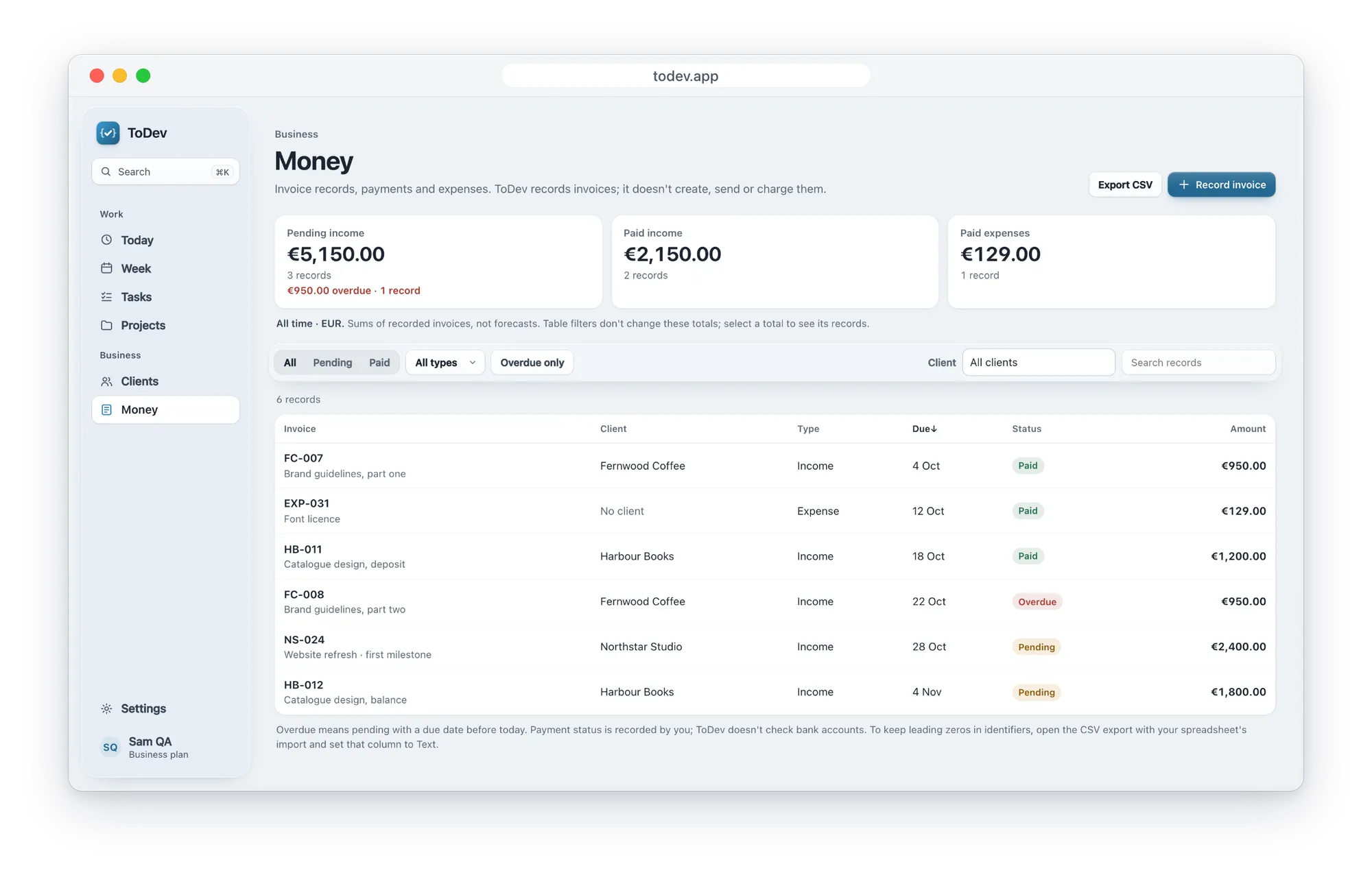
Mark it paid when the money arrives
When you mark an invoice paid, the web app asks for the payment date, so your records show when each one was settled. Attach the invoice PDF to keep it with the record.
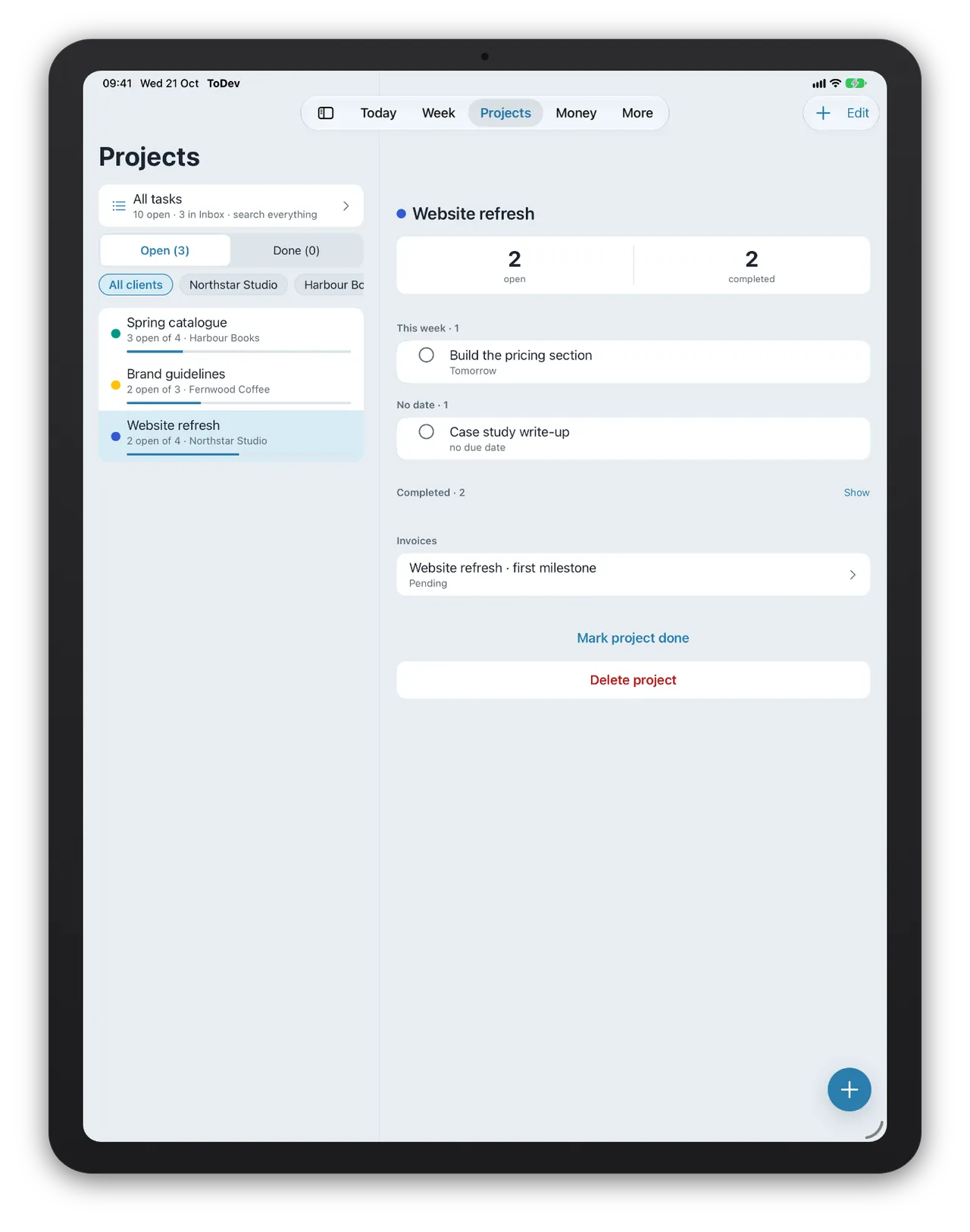
Each invoice belongs to a project
Link an invoice to a client and a project. The project's page then shows its invoices beside its open and finished tasks.
Questions
Does ToDev send invoices or take payments?
No. ToDev records the invoices you issue or receive. Create and send them with your usual tool, then record them in ToDev to track what's paid and what's pending.
Which currencies does ToDev support?
Each account keeps its records in one currency, euros or US dollars.
Is ToDev free?
Yes, to start. The Basic plan is free: 3 clients, 3 projects, 3 invoices and 120 tasks. Business is 2,49€ a month and Premium 4,99€ a month for more clients, projects, invoices and tasks.
Plan your next week in ToDev
Basic is free: 3 clients, 3 projects, 3 invoices and 120 tasks, on the web and in the apps.
Create your account