
MCP to-do list
A to-do list that works with MCP
ToDev has its own MCP server, so Claude, ChatGPT, Grok, Cursor and other MCP clients can read your tasks and plan your week with you. Add one URL, sign in, and ask.
One URL for every MCP client
Add https://api.todev.app/mcp as a custom connector in your AI client. It opens todev.app, you sign in with your ToDev account, and the client gets access through OAuth. There's no API key to copy or keep safe.
Tools for the whole workspace
The server has tools to list, create, update and reschedule tasks, to create and update projects and clients, to record and update invoices and expenses, to sum up your money, and to search everything. It has no delete tools, so deleting stays in the app.
Changes from the chat show up in the app
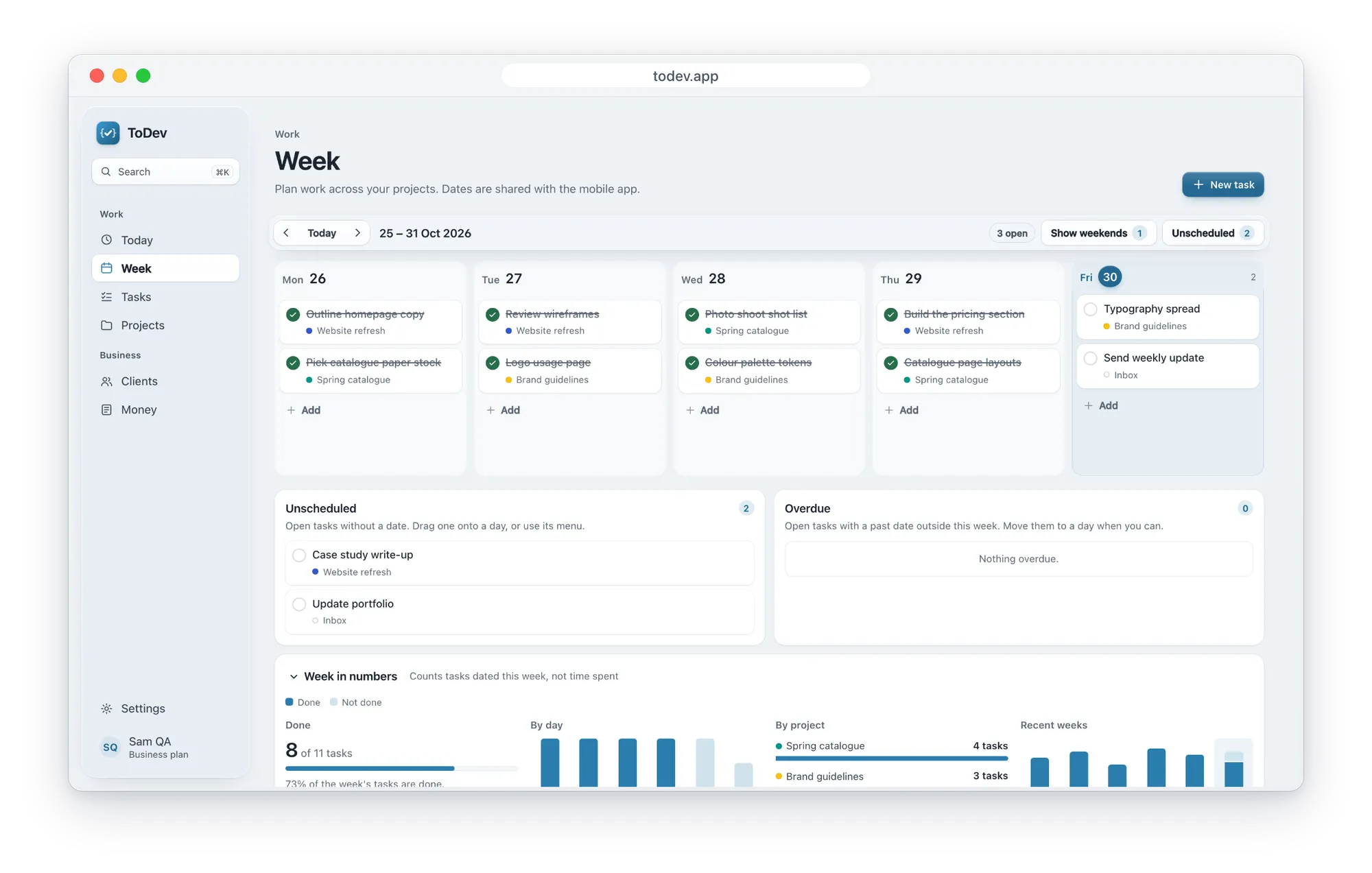
A task the assistant adds or moves is on the right day in the web app and on your phone, because it's the same account.
Listed in the MCP Registry
ToDev is published in the official MCP Registry as app.todev/todev, with the same server URL.
You decide who connects
When a client connects, ToDev's consent page lists what it asked for, reading and making changes that never delete, and you choose Allow or Deny. Settings, Connected apps, lists every client you've connected, and you can revoke each one.
Questions
What is MCP?
The Model Context Protocol is an open standard that lets AI assistants use tools in other apps. ToDev's MCP server gives an assistant tools for your tasks, projects, clients and invoices.
Which AI apps can use ToDev?
Claude, ChatGPT, Grok, Cursor and other MCP clients that can add a remote server with OAuth sign-in.
Which plan do I need?
Business or Premium. Business is 2,49€ a month and Premium 4,99€ a month. The free Basic plan doesn't include the connector.
Can the assistant delete my tasks?
No. The server has no delete tools. To delete something, use the app.
Plan your next week in ToDev
Basic is free: 3 clients, 3 projects, 3 invoices and 120 tasks, on the web and in the apps.
Create your account